MakeCode Arcade
Read our comprehensive review of Microsoft MakeCode Arcade, an innovative 2D game development environment designed to make computer science fun and accessible.
An Intuitive Gateway to Retro Game Design
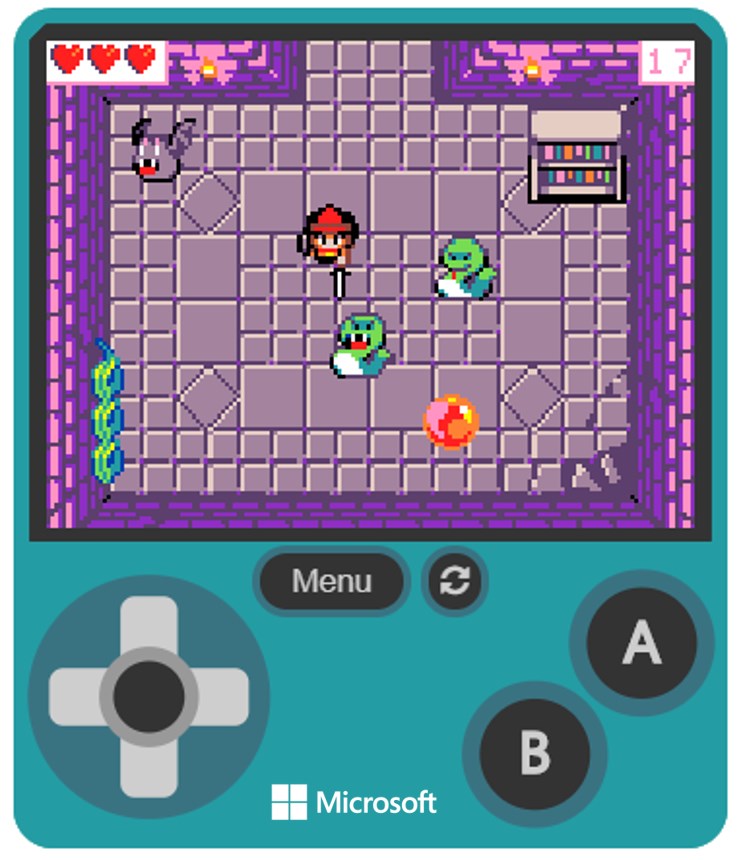
MakeCode Arcade retro game creation tools have revolutionized how students and hobbyists approach computer science. Developed by Microsoft Corp. for Windows, this interactive environment brings programming concepts to life by allowing users to build their own custom 2D games from scratch. By bridging the gap between visual logic and text-based scripting, it offers an educational playground where immediate visual results keep learners highly engaged.
Flexible Coding Editors for Every Skill Level
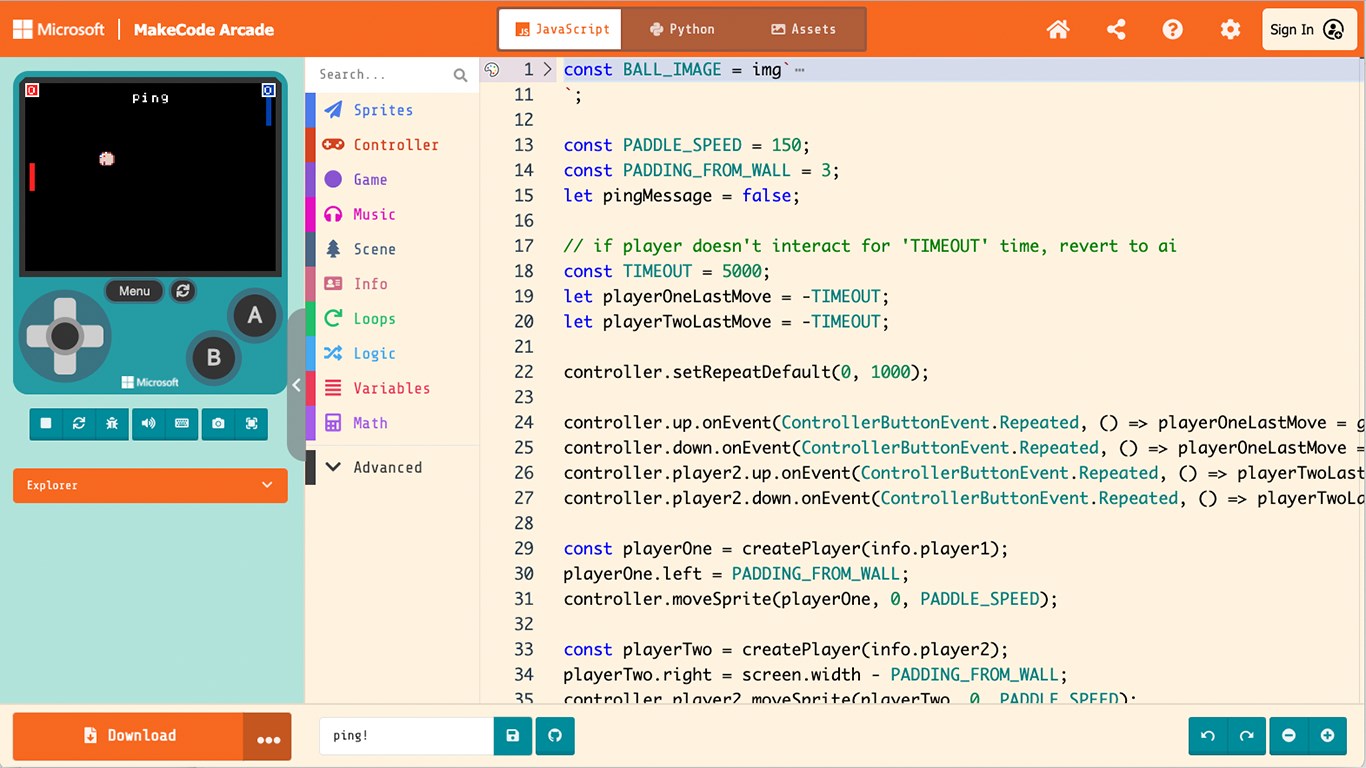
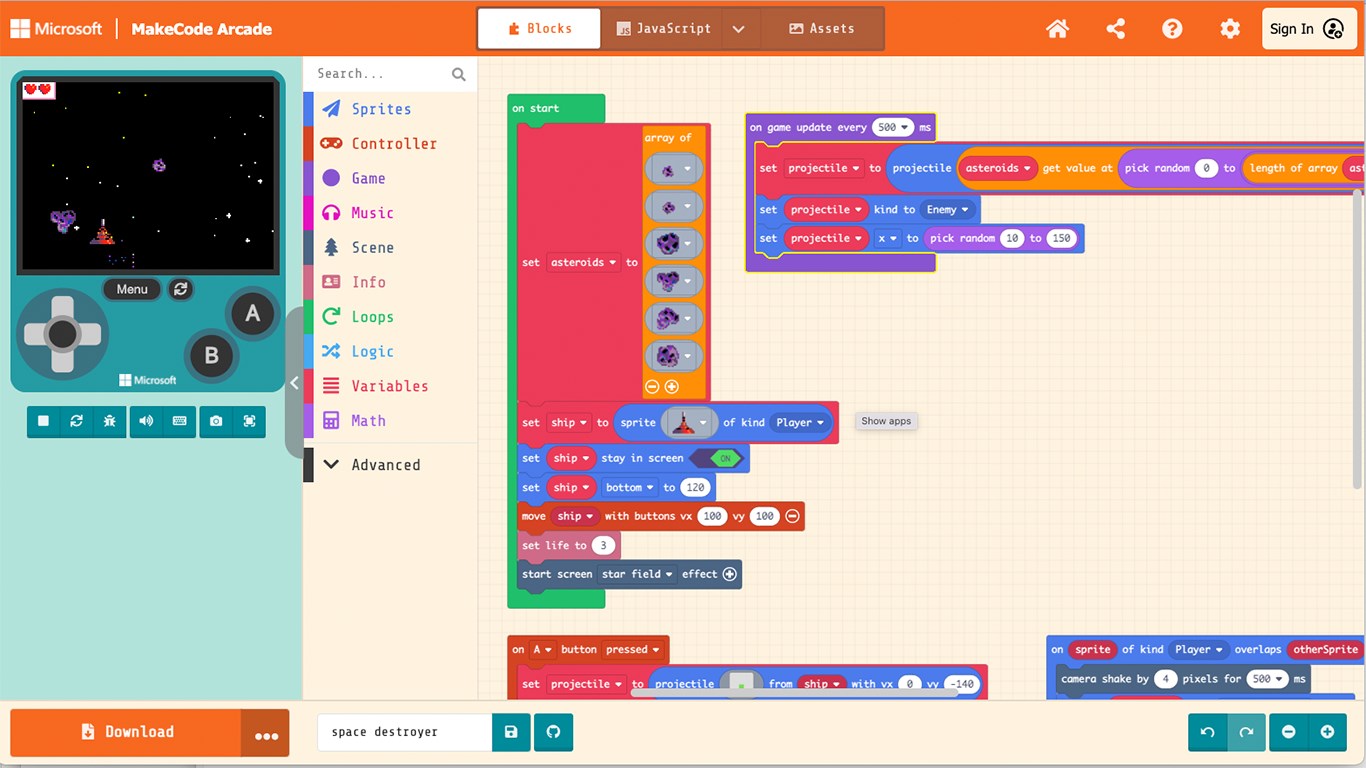
One of the standout attributes of this software is its dual-editor system. It accommodates absolute beginners while providing a clear growth path for advancing programmers:
- Block-Based Coding: Perfect for younger students or coding novices, allowing them to snap logical arguments together visually to construct game mechanics.
- Text-Based Programming: Allows intermediate learners to transition smoothly into writing actual lines of code, offering a deeper dive into professional development structures.
Create Classic Retro Adventures with Ease
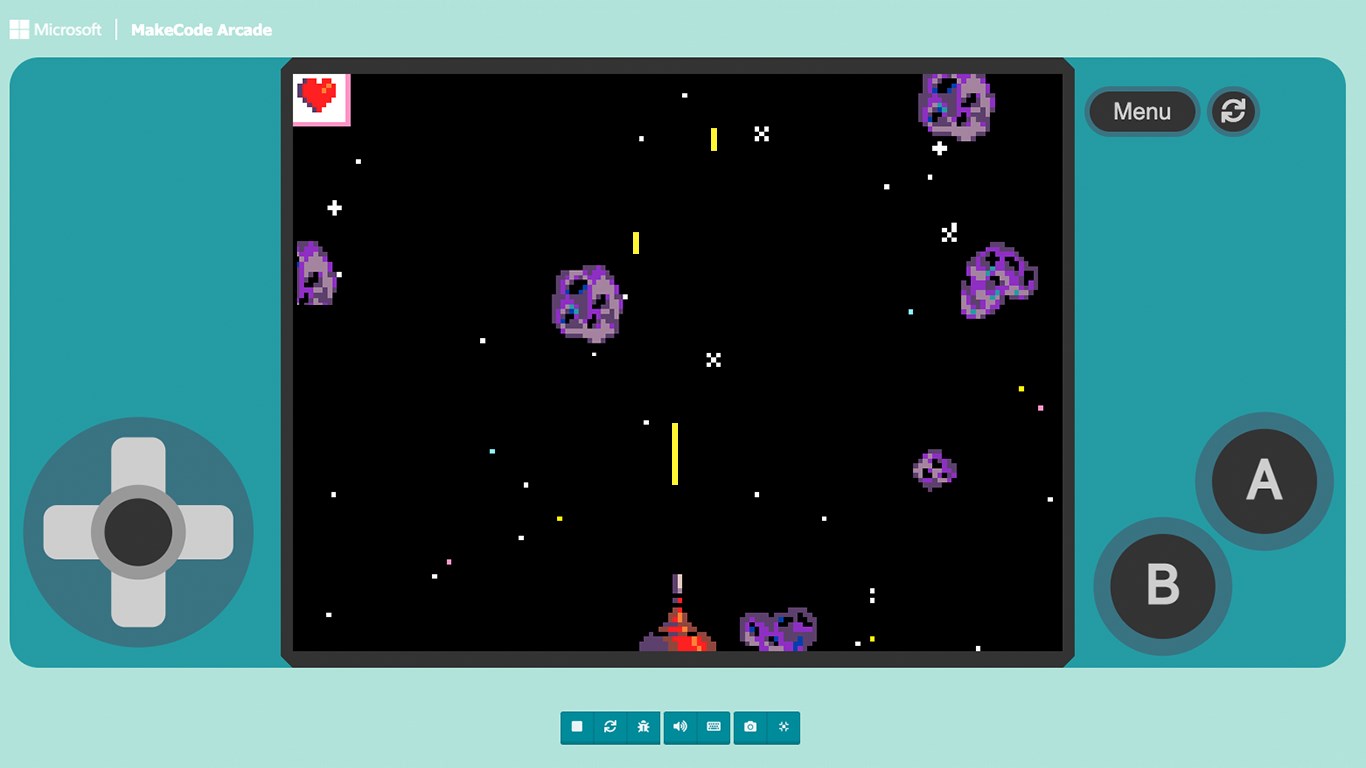
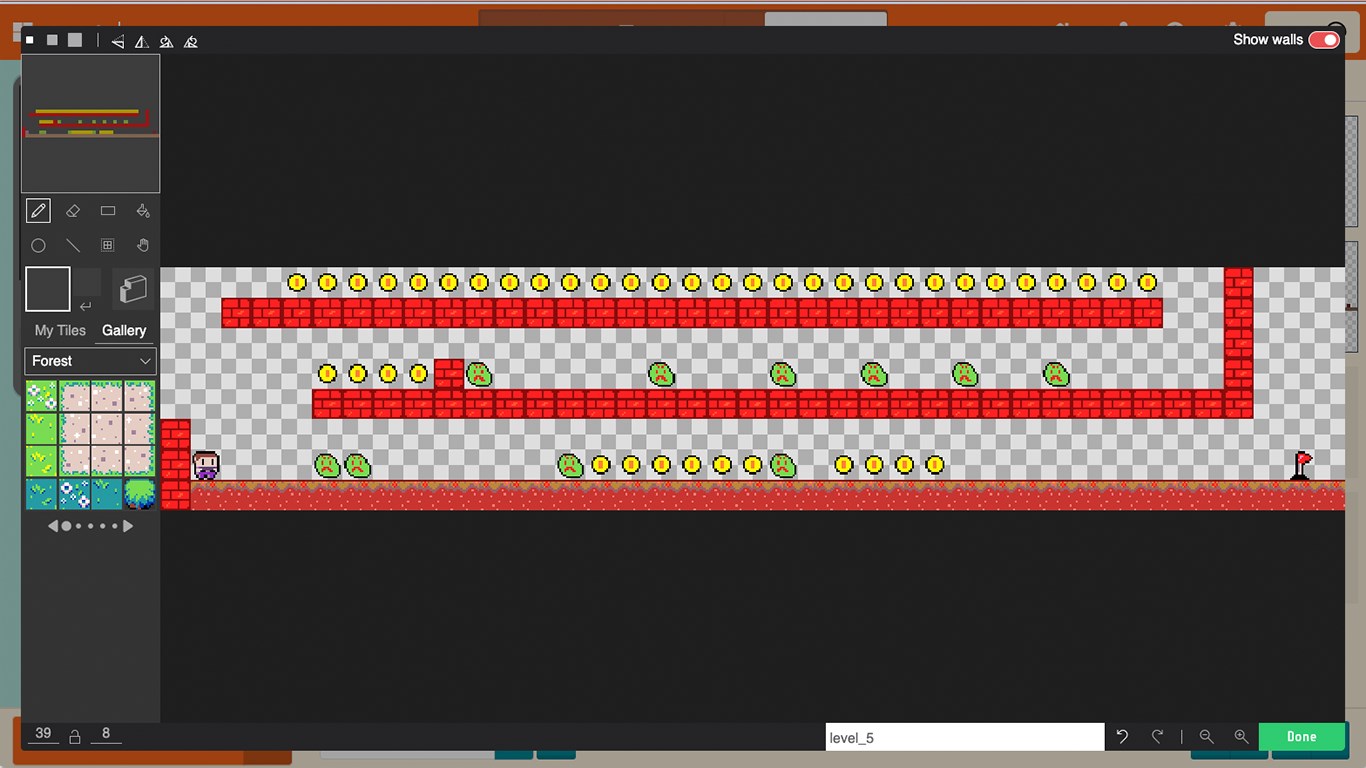
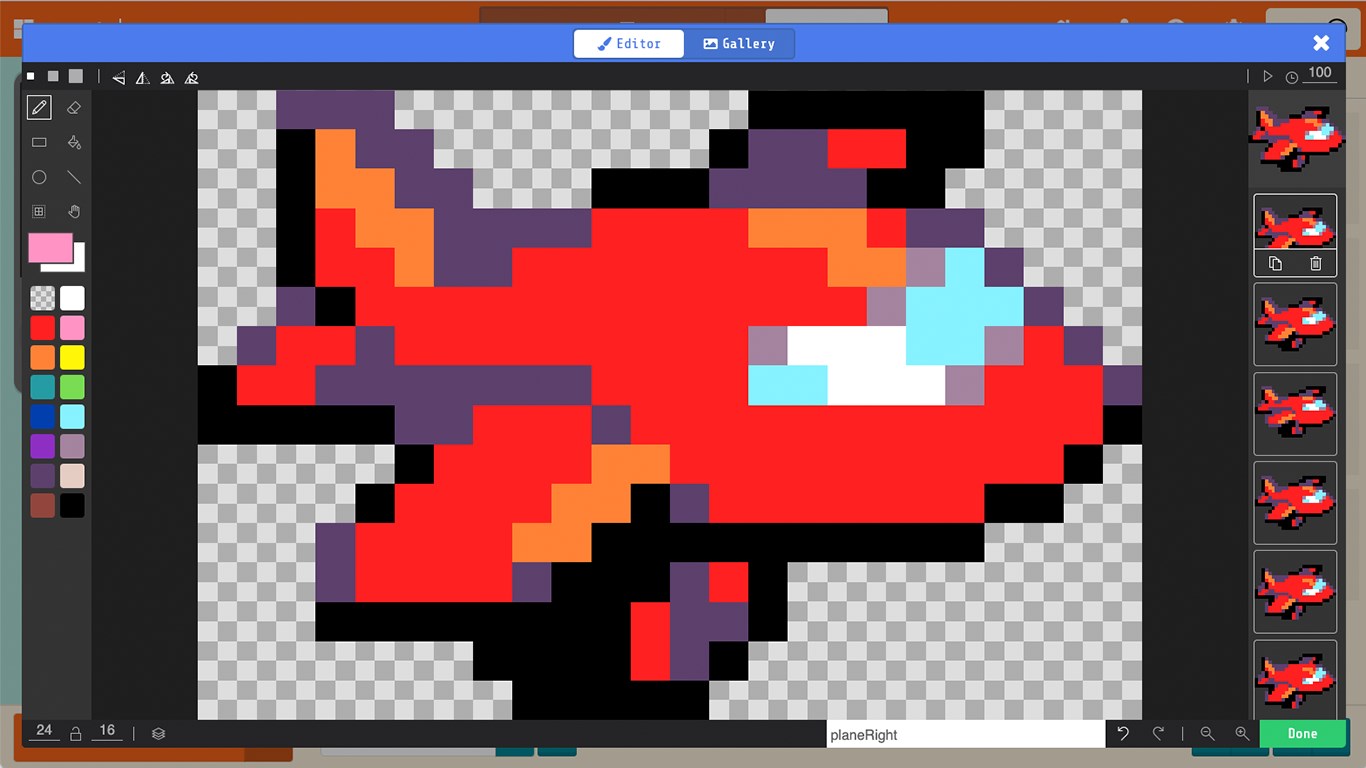
Whether your goal is to construct a challenging maze, a hidden treasure hunt, or an action-packed spaceship shooter, the platform simplifies the entire development cycle. Users can design custom sprites, establish physics rules, and build multi-level retro worlds. The immediate feedback loop provided by the built-in simulator ensures that debugging and testing are as entertaining as the game design itself.
Who Benefits Most From This Educational Tool?
This application is highly recommended for educators seeking a structured, gamified curriculum to introduce computer science principles in the classroom. It is equally valuable for independent learners and young creators who want to transition from simply playing games to actively building them. The platform serves as a highly effective, low-barrier entry point into STEM disciplines.
Explore the Possibilities Today
If you are ready to start your journey into game development or want to introduce your students to the fundamentals of programming, this platform is an exceptional choice. To discover more and experience this interactive learning environment first-hand, visit the official Microsoft Store page to explore its features.