
iFlicks Mac Video Metadata Manager & Converter Review
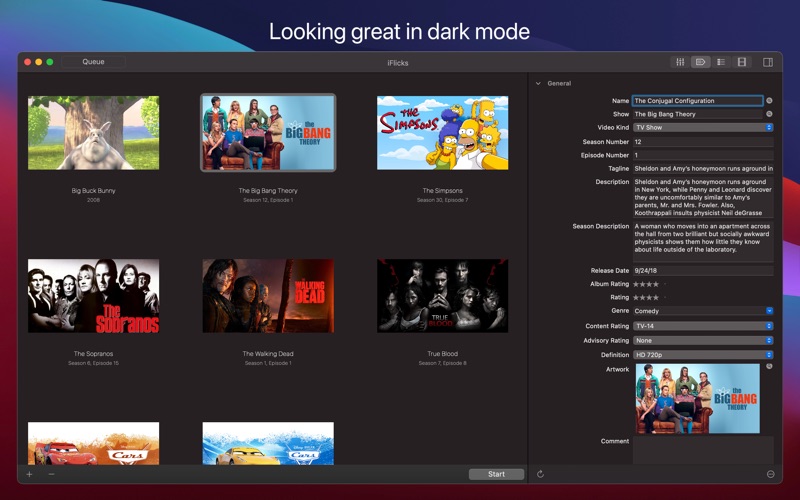
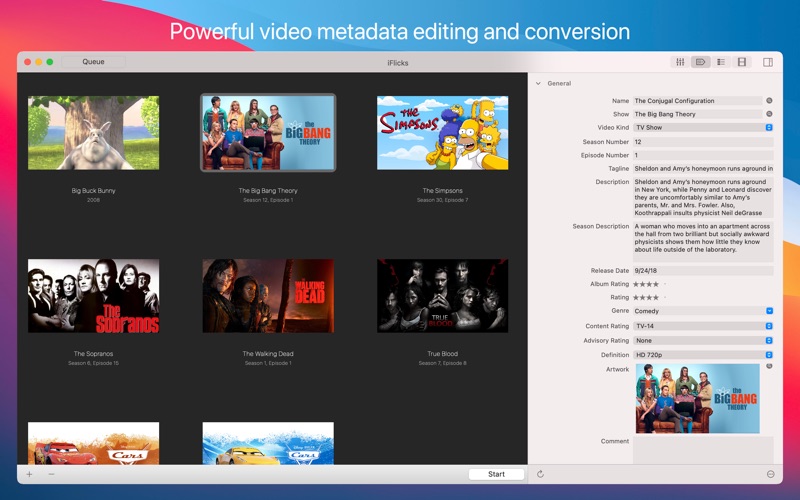
Discover how the iFlicks Mac video metadata manager transforms disorganized movie files into a beautifully tagged library. Read our full editorial review.
Anyone who maintains a personal media library on macOS knows the headache of mismatched movie posters, missing episode titles, and incompatible video formats. The iFlicks Mac video metadata manager offers an elegant solution to this digital clutter, acting as a seamless bridge between raw video files and your curated Apple TV or Plex library. Developed by Jendrik Bertram, this powerful utility automates the tedious process of tagging, organizing, and converting your media files.
Automated Metadata Enrichment and Artwork Retrieval
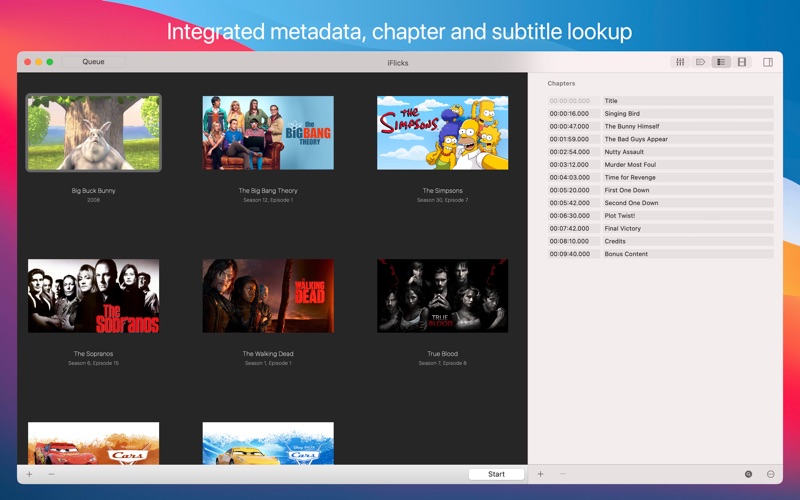
At the core of the iFlicks Mac video metadata manager is its leading metadata handling engine. Instead of manually searching for movie posters, release dates, and cast lists, the application handles the heavy lifting automatically. It identifies films and television series, fetching high-quality artwork—including specialized squared artwork designed specifically for TV show structures. Beyond basic summaries, the utility also retrieves subtitles and chapter titles, ensuring your local files look and behave exactly like official digital purchases.
High-Performance Video Processing
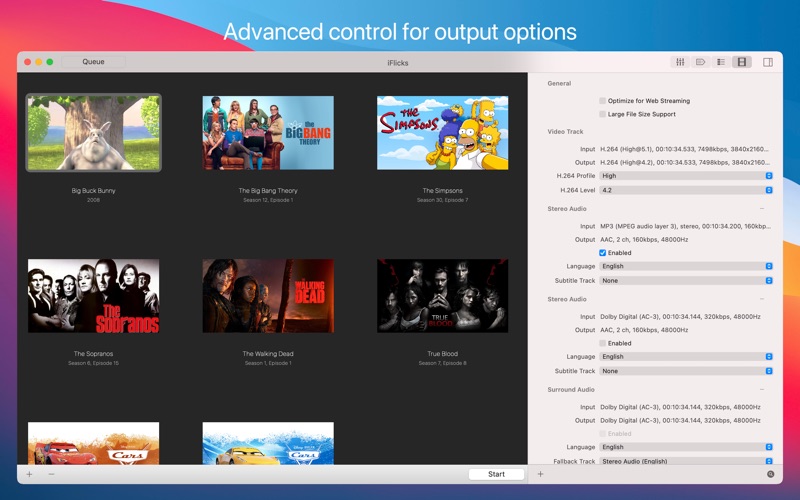
Managing metadata is only half the battle; ensuring files play smoothly on your target devices is equally critical. The iFlicks Mac video metadata manager shines with its versatile processing capabilities:
- Lossless Passthrough: For compatible H.264 and HEVC files, the software transfers the video stream instantly without re-encoding, preserving original quality while saving immense processing time.
- High-Quality Transcoding: When conversion is necessary, the app utilizes highly optimized encoders to prepare videos for Apple devices like the iPhone, iPad, and Apple TV.
- Robust Format Support: It effortlessly handles common containers, including MKV, MP4, M4V, MOV, AVI, and MPG.
- Advanced Audio & HD Support: The tool supports stereo and surround sound audio tracks alongside HD resolutions including 720p, 1080p, 4K, and HDR.
Hands-Free Automation for Power Users
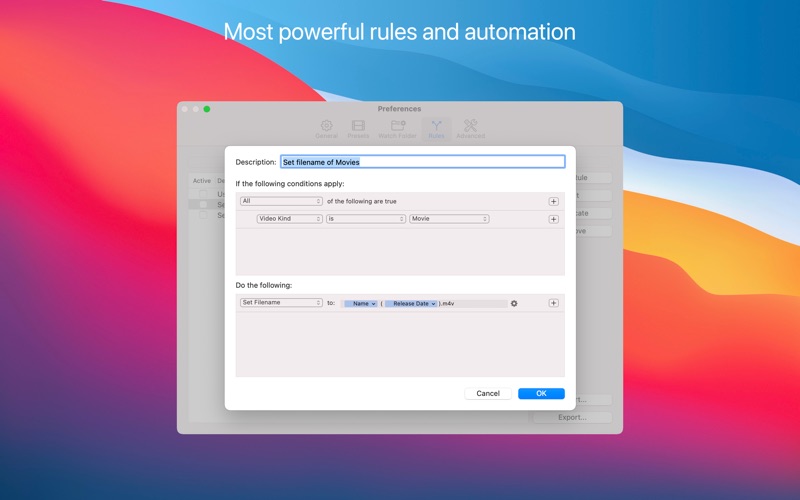
For collectors with massive archives, processing files one by one is impractical. The iFlicks Mac video metadata manager features advanced automation tools to streamline your workflow. By setting up "Watch Folders," the software monitors specified directories and automatically processes new files the moment they are added. Users can build custom presets and highly detailed rules to determine exactly how files are tagged, converted, and moved. Furthermore, integrated AppleScript support allows developer-level control over the entire media pipeline.
Flexible Subscription Options
While the utility is free to download, unlocking its complete feature set requires a subscription. Users can choose between two tiers depending on their needs: iFlicks Basic (available for $0.99 monthly or $9.49 annually) or the comprehensive iFlicks Plus tier (priced at $2.49 monthly or $18.49 annually).
Get Started with iFlicks
With its intuitive drag-and-drop interface, deep integration with the macOS TV App, and robust processing engine, this tool is an exceptional asset for any media enthusiast. To explore its capabilities and elevate your home theater setup, check out the official Mac App Store page to get started.