
PhotoQt Image Viewer
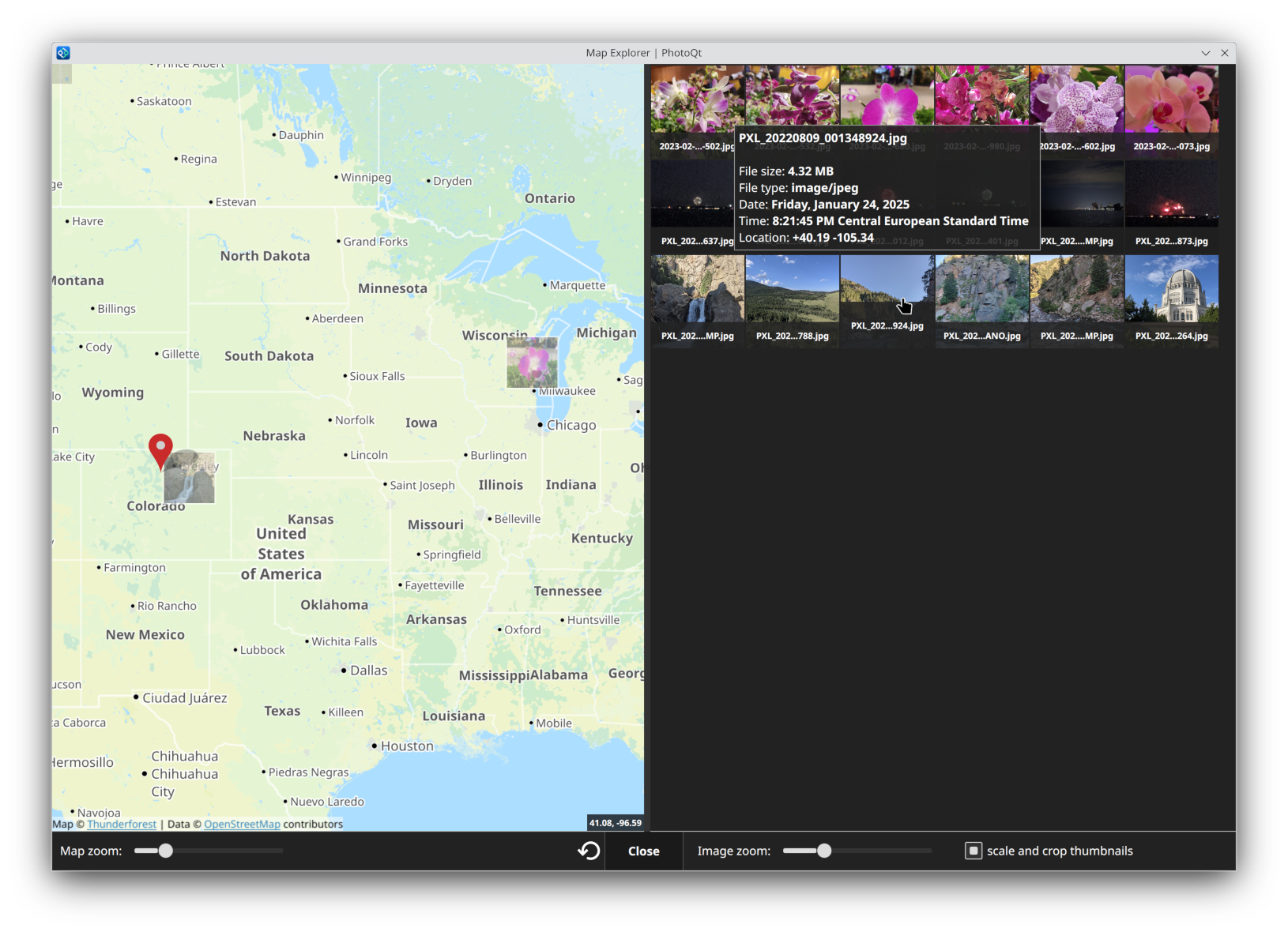
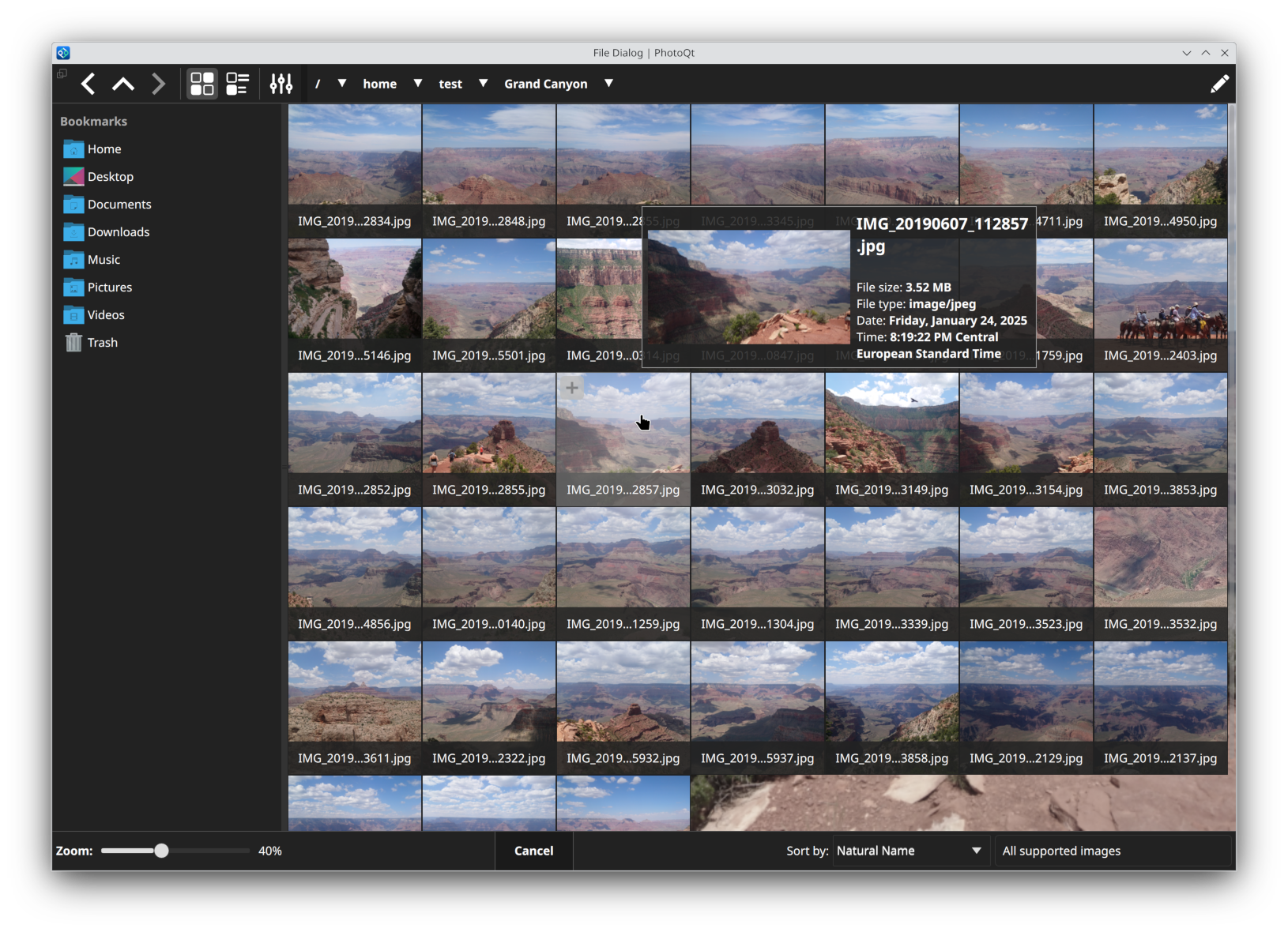
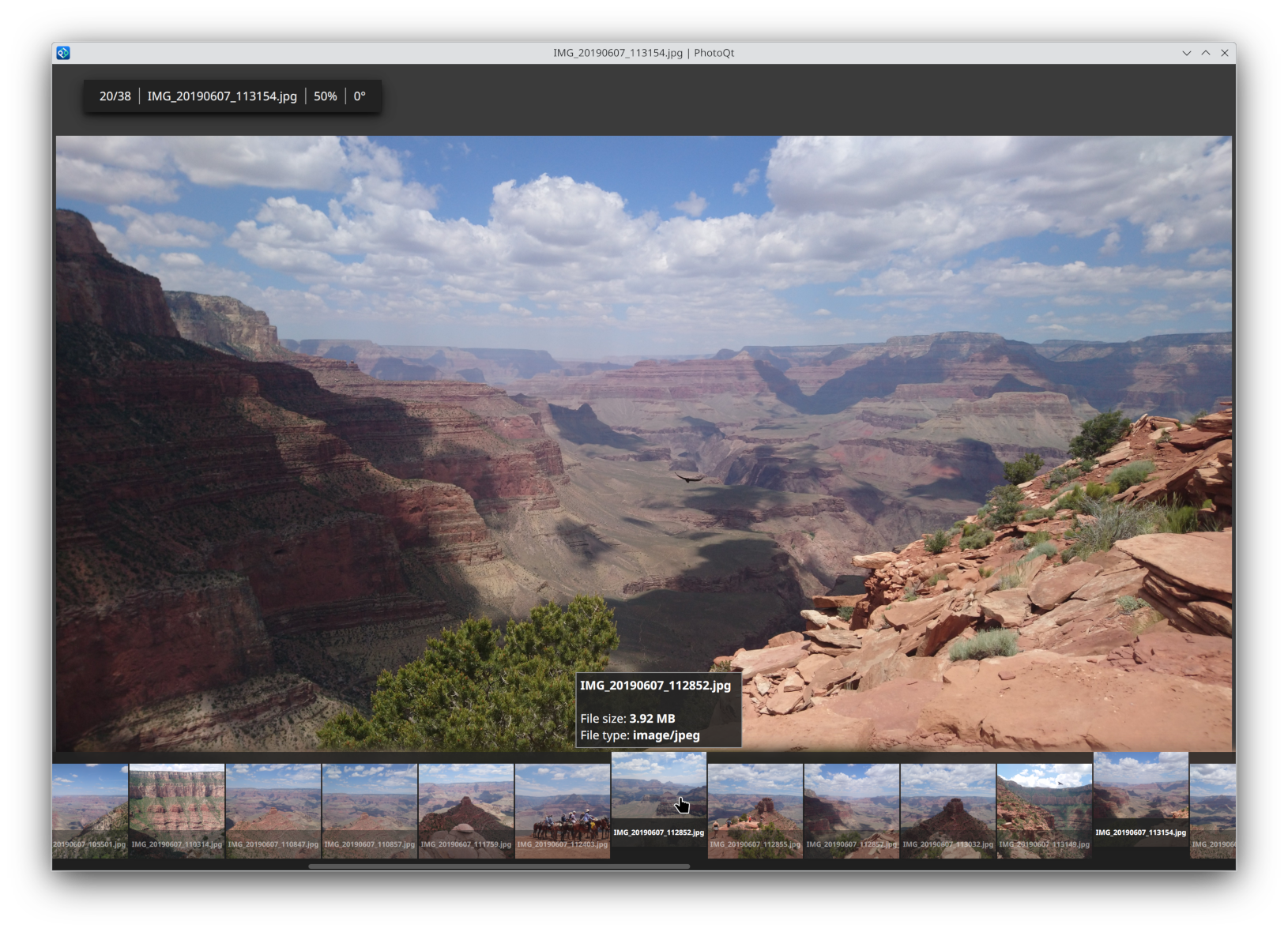
Discover PhotoQt, a lightning-fast and highly customizable image viewer for Linux. Read our full review of its advanced features and media support.
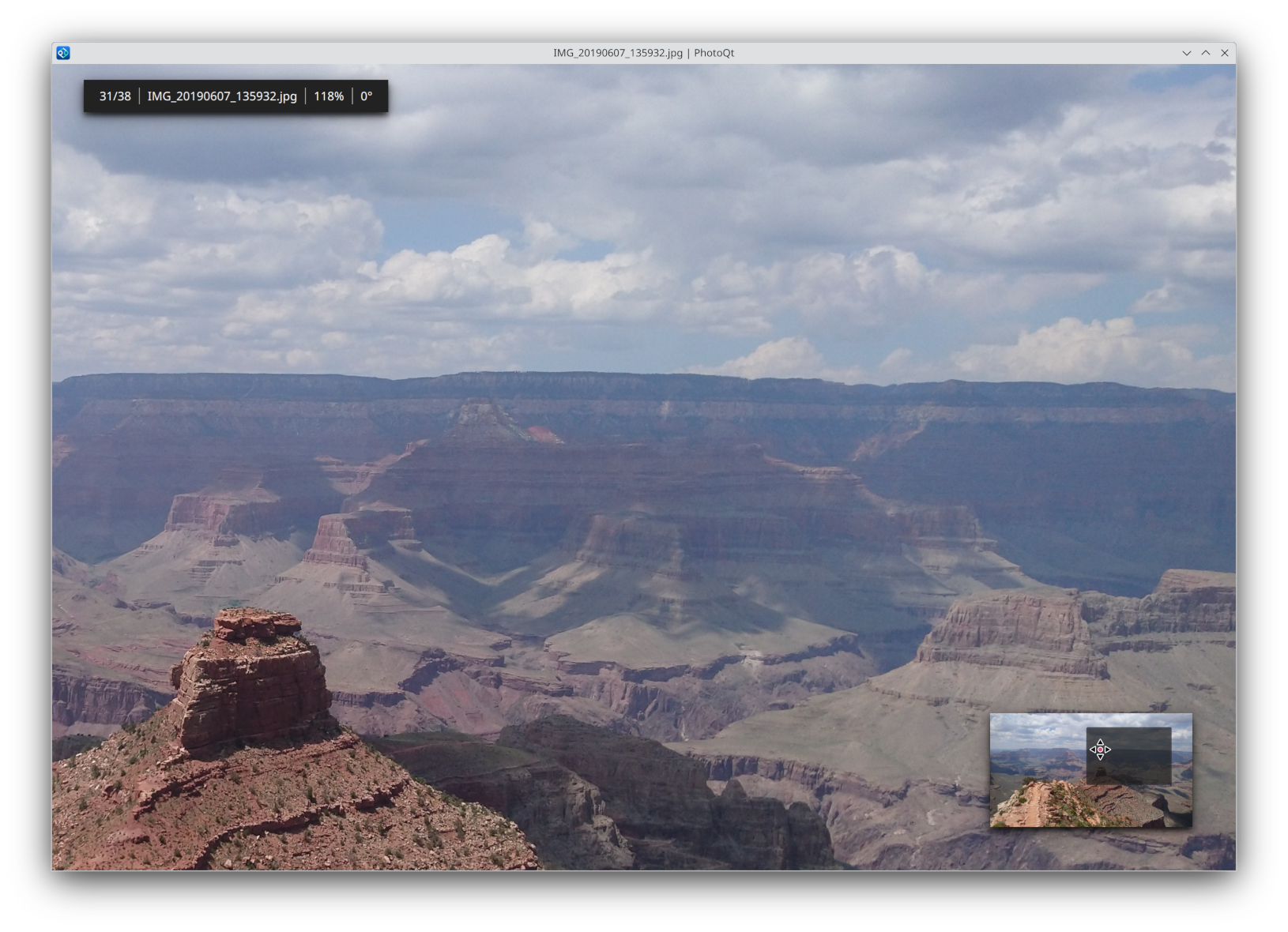
Imagine sorting through thousands of high-resolution vacation photos, mixed with live captures, panoramic shots, and short video clips. Most default system viewers stutter, struggle with modern smartphone formats, or clutter your workspace with unnecessary toolbars. The PhotoQt image viewer solves this modern headache by delivering a streamlined, immersive environment that puts your visual media front and center without sacrificing advanced management tools.
What is the PhotoQt Image Viewer?
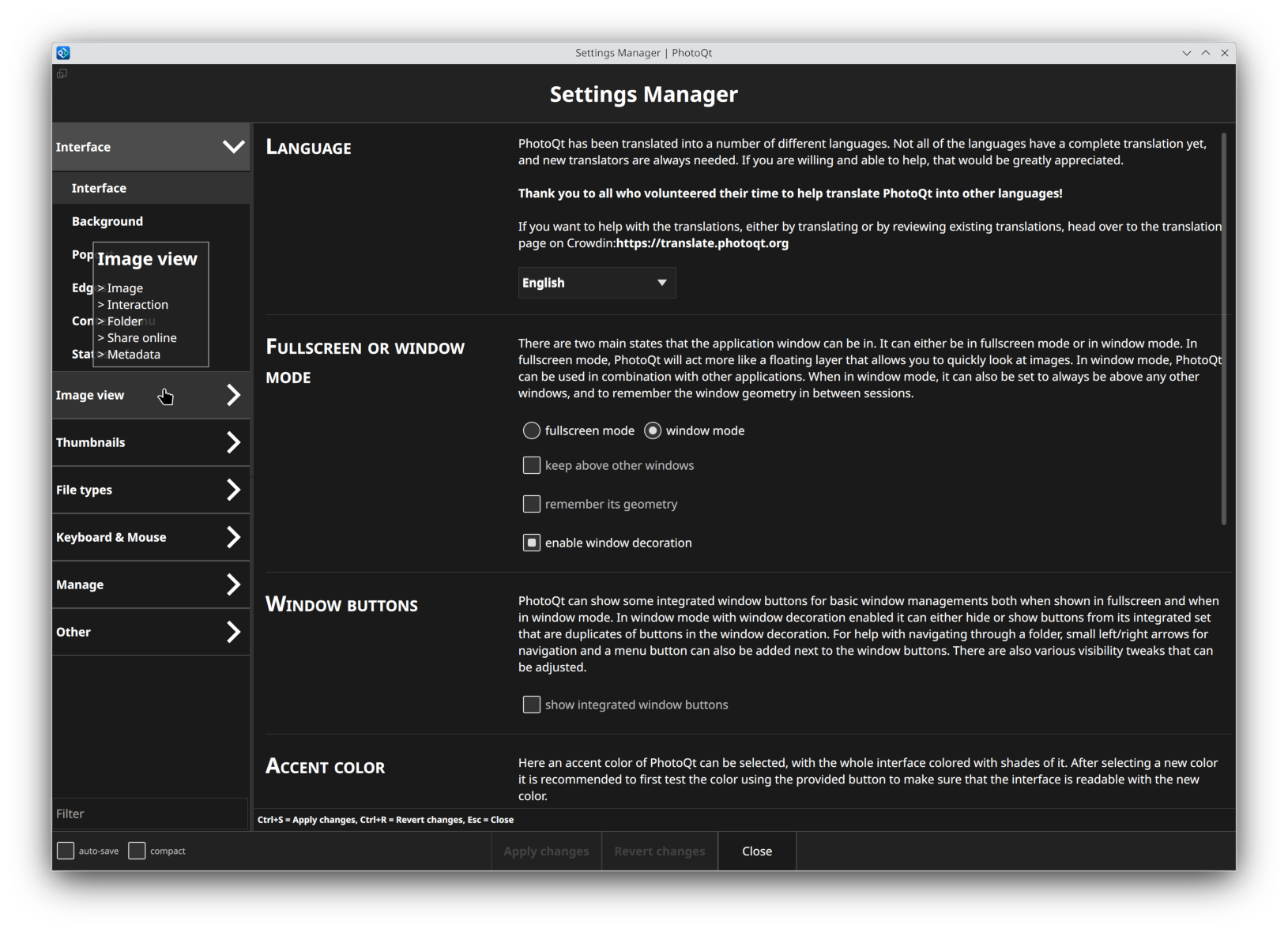
Developed by Lukas Spies, PhotoQt is an open-source, highly customizable graphics viewer designed specifically for the Linux platform. It strikes a rare balance in the software world: it is incredibly lightweight and fast on its feet, yet packed with deep configuration options that allow power users to fine-tune every aspect of their viewing experience. From a completely borderless, distraction-free interface to complex keyboard and mouse shortcut mapping, this application adapts to your workflow rather than forcing you to adapt to it.
Key Features and Capabilities
PhotoQt stands out in the crowded field of design and imaging software by offering a robust suite of built-in tools:
- Unmatched Format Support: It effortlessly loads over 100 distinct image formats, alongside video files and document types.
- Modern Mobile Formats: Full compatibility with Google Motion Photos, Apple Live Photos, and immersive 360-degree photo spheres.
- Deep Customization: Users can assign custom keyboard hotkeys or mouse shortcuts to trigger internal features or external system scripts.
- Advanced Metadata & Utilities: View precise Exif and IPTC metadata, manage files, scale images, utilize color profiles, and even organize your library with XMP face tags.
- Hardware Integration: Includes built-in support for touchscreen devices and seamless casting via Chromecast.
Who is PhotoQt For?
This software is a perfect match for Linux users who demand more control over their media consumption. Whether you are a photographer needing to quickly inspect raw metadata and color profiles, or a casual user who wants a clean slideshow interface that handles modern smartphone formats natively, this tool caters to both ends of the spectrum. It is particularly valuable for power users who love automation, thanks to its ability to hook custom scripts directly into application shortcuts.
Get Started with PhotoQt
If you are ready to upgrade your desktop media experience with a faster, smarter viewer, we highly recommend exploring this versatile tool. To learn more or to download the application directly for your Linux setup, visit the official PhotoQt page on Flathub today.